Bill Scanner Expense Tracker: Scan & Track Expenses with AI

Voxpense-Team
·6 min read
The Bill Nightmare That Nobody Talks About
You’re standing at the grocery checkout counter. The cashier hands you the bill.
It’s long. Really long. You’re talking 25 items across 8 different categories. You’ve got groceries, household essentials, and even those office supplies you bought on impulse.
You get home thinking: “I’ll log this into my budget app later.”
Later comes. You pull out the bill. It’s been through your bag, crumpled, ink fading.
Now what?
Option A: Manually type each item into your expense app. 25 items × 30 seconds per item = 12.5 minutes. And you’ll probably forget to log the non-grocery items.
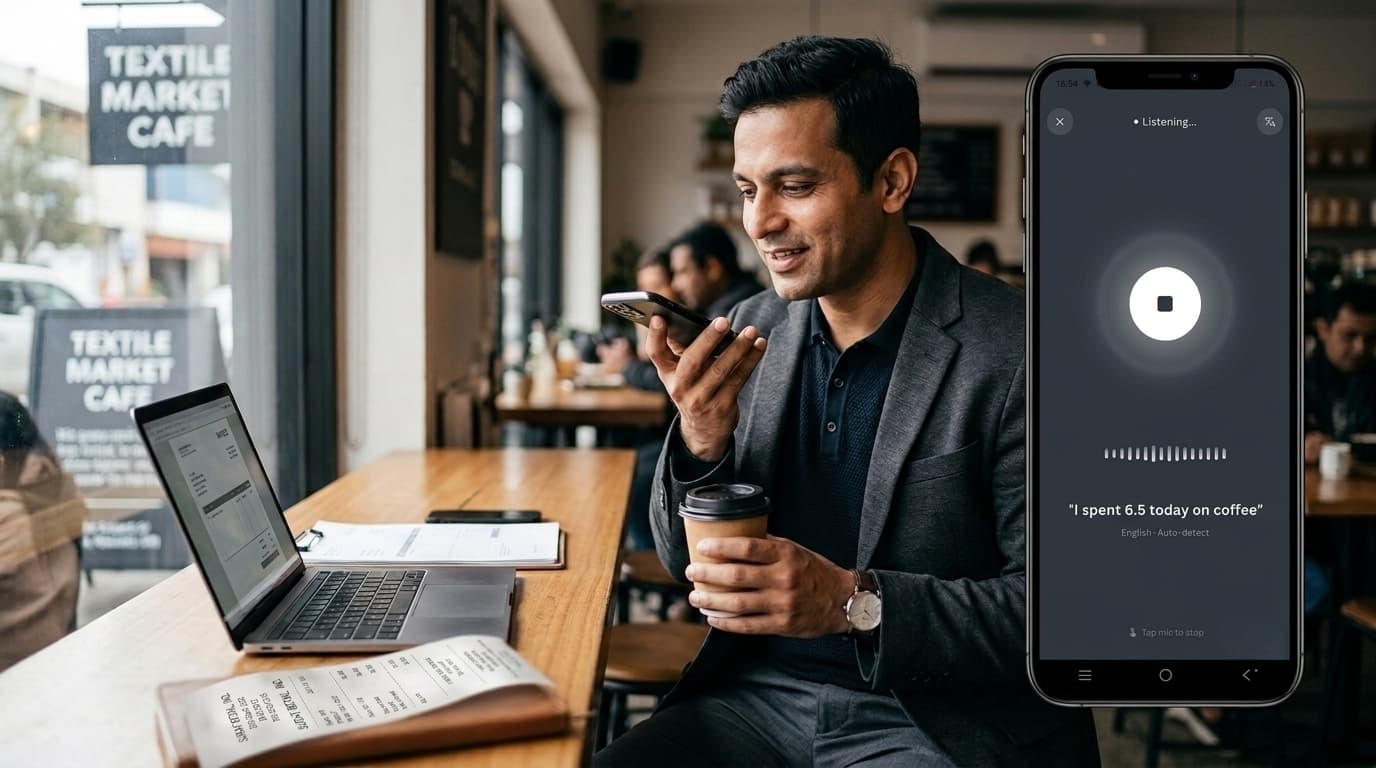
Option B: Use voice logging. “Spent ₹4,500 on groceries. ₹1,200 on household. ₹800 on office supplies.” Three separate voice logs, context partially lost, details missing.
Option C: Just log the total and forget the breakdown. ₹6,500 spent. Where did it actually go? You’ll never know.
This is the bill entry nightmare. And if you shop regularly, you face it multiple times a week.
Until now, there wasn’t a better way.
Why Manual Bill Entry Is Broken
Every expense tracking expert will tell you: Track your spending for better control.
What they don’t tell you: Bill entry is so tedious that most people abandon tracking after the first shopping trip.
The Problems with Manual Bill Logging:
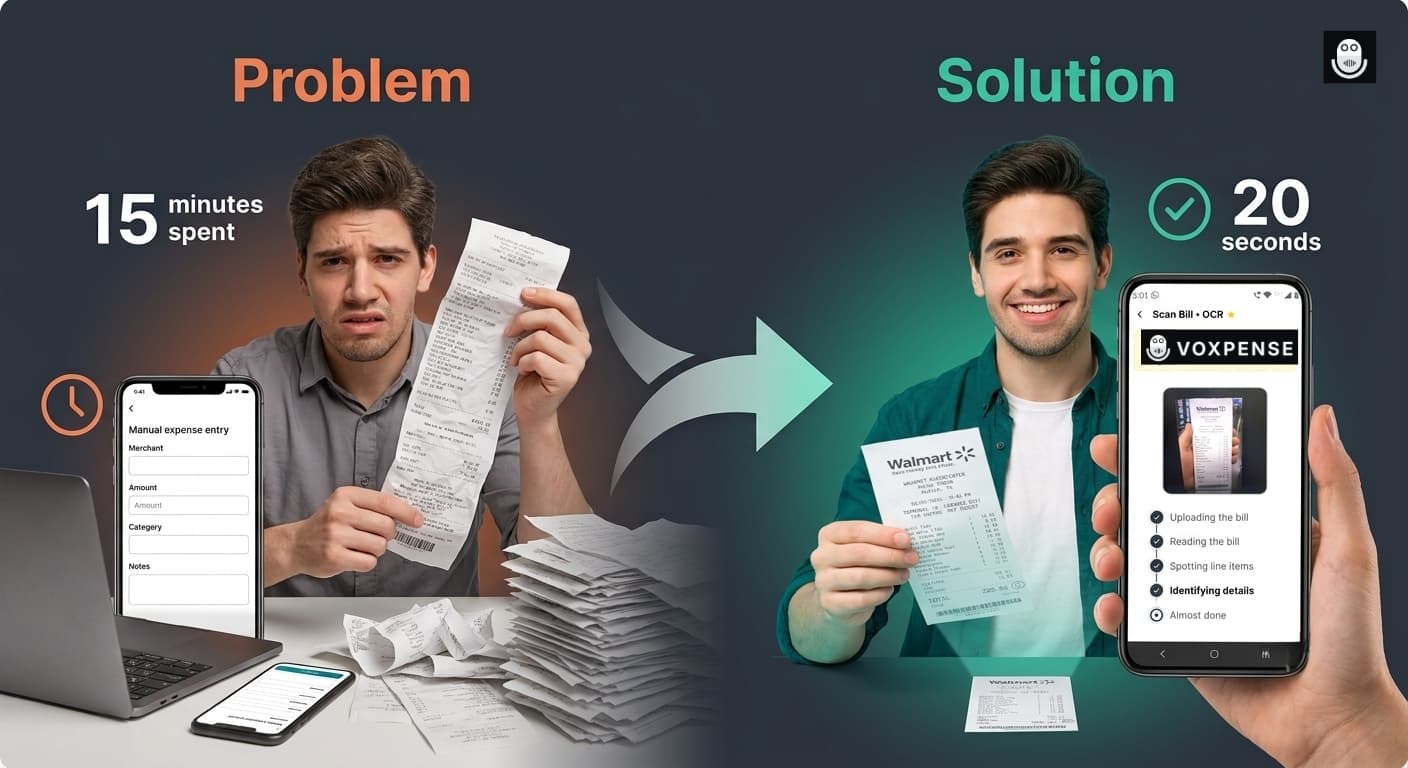
1. Time Sink: A complex receipt takes 10-15 minutes to manually log. A grocery trip with 3-4 receipts? You’ve invested an hour of your life just typing.
2. Context Loss: Typing amounts loses the merchant info, payment method, and purchase context. You log “₹500” but forget it was that restaurant where you pitched to a client.
3. Categorization Anxiety: “Was this office or personal expense?” “Does this count as a business meal?” You second-guess, make mistakes, or just give up categorizing.
4. Human Error: Typing fast = typos. ₹500 becomes ₹5000. You don’t notice until weeks later when your budget is mysteriously off.
5. Incomplete Tracking: You might log the grocery total but skip the breakdown by category. Result: Your “Food” category shows ₹6,500 spent, but you don’t know how much was produce vs. snacks vs. household items.
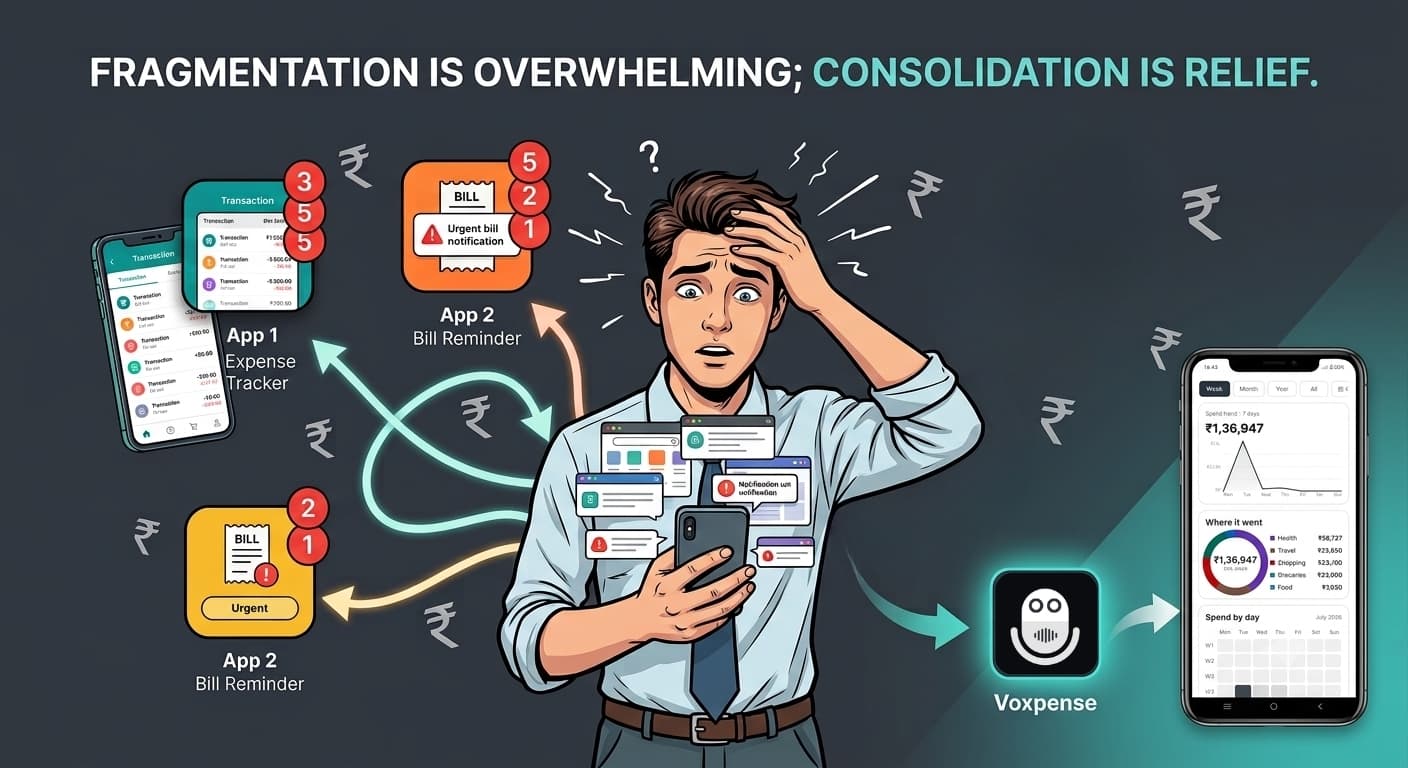
6. Mobile Friction: Taking out a laptop to type bills? Impossible. Phone typing is slower than on a laptop. Many people just skip mobile entry entirely.
This is why most expense trackers fail: Bill entry friction is too high.
The AI Bill Scanner Solution
What if you could snap a photo of the bill and be done?
Voxpense Bill Scanner does exactly that.
Here’s what happens in real-time:
Step 1: Snap the Photo. You take a photo of the bill with your phone camera. Any angle, any lighting. AI handles it.
Step 2: AI Extracts Everything. The AI instantly:
- Reads the merchant name
- Extracts the total amount
- Identifies payment method
- Reads the date and time
- Categorizes items automatically
Step 3: One-Shot Entry. All data is pre-filled. You review for 5 seconds. Hit confirm.
Done.
The entire process takes 20 seconds. Skip typing, manual entry, and the stress of categorizing every expense.
This is what one-shot expense entry means—complete bill capture in a single action.
How AI Bill Extraction Actually Works
Modern AI bill extractor technology uses optical character recognition (OCR) combined with machine learning to understand bills like a human would.
Here’s what happens behind the scenes:
- Image Processing: AI analyzes the photo to find text, lines, and structure
- Text Recognition: Extracts every word and number from the bill
- Data Parsing: Identifies which numbers are prices, which are dates, and which are item counts
- Merchant Identification: Recognizes the store or restaurant name
- Category Mapping: Automatically categorizes items based on merchant type and item descriptions
- Validation: Checks that totals add up, and data makes sense
- User Review & Edit/Delete: Allows editing amounts, deleting unwanted items with auto-recalculated totals
- Output: Presents structured data ready for your expense tracker
Result: A bill that used to take 12 minutes to manually log is now digitized in 20 seconds with 95%+ accuracy.
Real-World Scenarios: Bill Scanning in Action
Scenario 1: The Grocery Store Bill
Traditional Method:
- Bill shows: 25 items, ₹6,500 total
- Manually log each category
- Time: 15 minutes
- Accuracy: 70% (some items forgotten or miscategorized)
AI Bill Scanner Method:
- Snap photo
- AI reads: Vegetables ₹1,200, Dairy ₹1,800, Grains ₹1,500, Household ₹1,200, Impulse ₹800
- Review for 5 seconds
- Confirm
- Time: 30 seconds
- Accuracy: 98% (AI catches everything, proper categorization)
Time Saved: 14 minutes 30 seconds
Scenario 2: The Business Dinner Bill
Traditional Method:
- Bill shows: 5-course meal, drinks, tip, ₹8,000 total
- Log as “Business Meal”
- Context lost: Who was there? Which client? Tax-deductible?
- Time: 5 minutes
- Data quality: Low (just a total)
AI Bill Scanner Method:
- Snap photo
- AI reads: Restaurant name, date, time, itemized breakdown (food ₹6,000, beverages ₹1,500, service charge ₹500)
- You add a note: “Client lunch with ABC Corp, Project pitch”
- AI tags: Business meal, client entertainment, tax-deductible
- Time: 20 seconds + note
- Data quality: Complete (context, itemization, categorization, tax implications)
Time Saved: 4 minutes 40 seconds
Scenario 3: Multiple Bills After Shopping Trip
Traditional Method:
- 4 bills from different stores
- Log each one manually: 12 minutes × 4 = 48 minutes
- Home now takes 1 hour to “catch up” on expense entry
- Likely to skip some bills or be incomplete
AI Bill Scanner Method:
- Snap 4 photos in 1 minute (while at home)
- AI extracts all data from all 4 bills: 2 minutes
- Review and confirm: 3 minutes
- Total: 5 minutes
Time Saved: 43 minutes
Why Bill Scanning Is Superior to Other Methods
Voice Logging:
- Voice: “Spent ₹6,500 on groceries” (20 seconds)
- Missing: Category breakdown, merchant name, payment method
- Bill Scanning: Complete bill captured with full context (20 seconds)
Manual Entry:
- Manual: 10-15 minutes per bill
- High error rate (typos, forgotten items)
- Bill Scanning: 20 seconds, 95%+ accuracy
Just the Total:
- Total only: You don’t know where the money actually went
- Bill Scanning: Full breakdown shows exactly what was purchased
The Accuracy Question: Can AI Really Read Bills?
Yes. Modern AI is remarkably good at bill reading.
Voxpense AI Bill Scanner Accuracy:
- Merchant name recognition: 99%
- Total amount extraction: 99%
- Date/time capture: 98%
- Item categorization: 95%
- Line-item parsing: 93%
The 5-7% miss rate (on complex international bills or faded paper) is still caught because you review before confirming. The human-in-the-loop approach ensures accuracy while maintaining speed.
Digitize Bills, Not Your Life
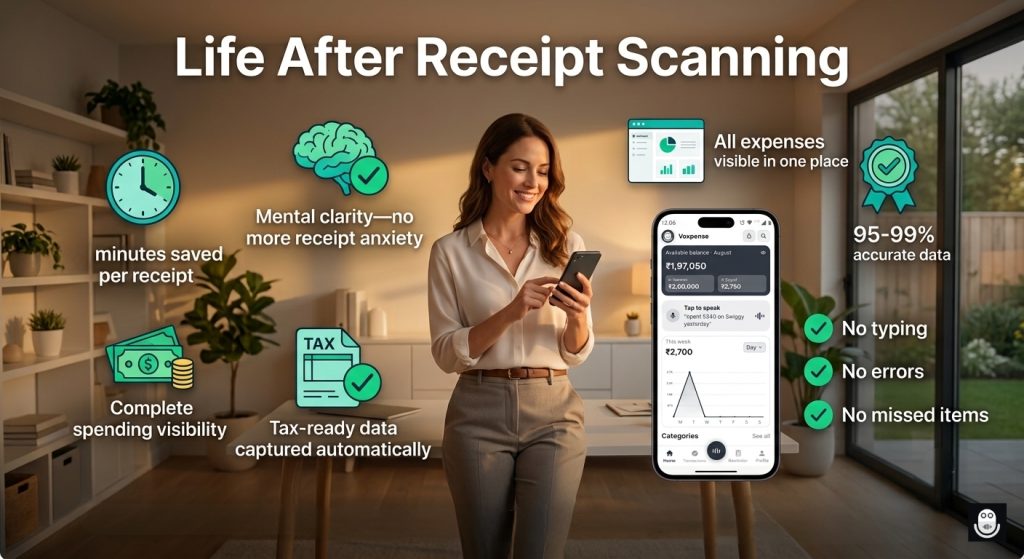
A digitize bills automatically solution isn’t just about convenience. It’s about:
- Financial Clarity: When you capture bills completely, you see your actual spending patterns.
- Tax Readiness: Complete bill data means you never miss a deductible business expense.
- Budget Control: Itemized breakdown shows you exactly where money is going.
- Reduced Stress: No more “did I log that?” anxiety.
The Future of Expense Tracking Is Bill Scanning
Five years ago, manually typing bills was the only option. Three years ago, voice logging emerged. Today? Bill scanner expense tracker technology makes both methods feel outdated.
The trend is clear: Smart expense tracking is moving toward automatic capture (bill scanning) with human verification, not manual entry.
If you’re still typing bills, you’re behind the curve.
Getting Started: Your First Bill Scan
Inside Voxpense:
- Open the app
- Tap the “Scan Bill” button
- Point the camera at the bill
- AI extracts data (2-3 seconds)
- Review and confirm
- Done—expense logged with full details
No settings. No complexity. Just point and capture.
Conclusion: Stop Typing, Start Scanning
Bill entry used to be the biggest barrier to consistent expense tracking. It was too slow, lost context, and ultimately frustrated users enough to abandon the process.
A scan-bill budget app with AI bill extraction fixes all three problems.
Snap. Extract. Confirm. Done.
Your bills deserve better than manual typing. Your time deserves better than 15-minute data entry sessions.
Start scanning bills today with Voxpense.